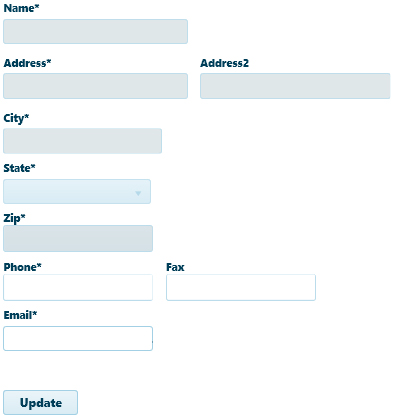
Use the Permit Service Profile page to modify information in a permit service's record.
Navigate to the Permit Service Profile screen by clicking the My Admin link then choosing Permit Service Profile from the My Profile pane.
The Permit Service Profile page opens.
Enter the Contact information of the Permit Service in the fields provided.
If you wish to make changes to the record, edit the values on the page then click the Update button to include any new/altered information in the database.